Why Choose a WiFi Interphone for Your Business?

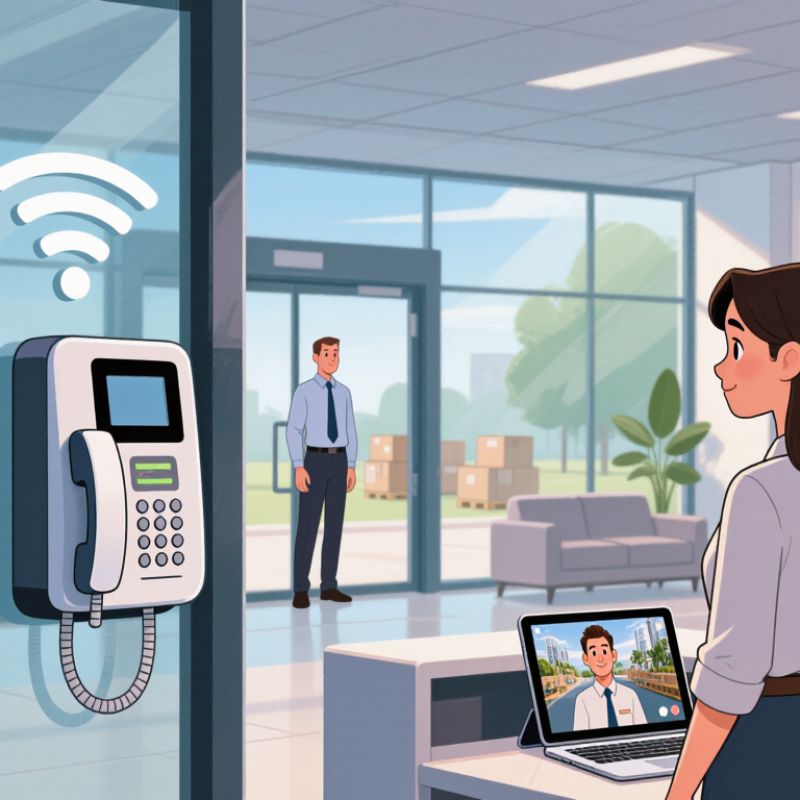
A visitor at the entrance should not have to wait while staff search for a phone or leave a customer unattended. A Wifi Interphone can connect a door station with indoor handsets or approved mobile devices, helping employees speak with visitors before granting access. In a small clinic, a reception desk can answer a call while keeping its doors closed. In a warehouse, staff may respond from another work area. That matters. It can make routine communication quicker and more organized.

Still, wireless does not mean effortless. Walls, distance, network congestion, and power supply can affect call quality. A practical evaluation should include a site survey, a test during busy hours, and checks of audio clarity and coverage at actual entry points. Ask how the system handles missed calls, who can manage user access, and whether it works with existing network equipment. These details are less exciting than product features, but they often shape daily results. A Wifi Interphone may suit businesses that need flexible communication without running new audio cables everywhere, though it is not the right answer for every building. This guide explores its potential benefits, useful features, and limitations, so businesses can compare options based on their own layout and needs.
Why Choose a WiFi Interphone for Your Business?

What Is a WiFi Interphone?

A WiFi interphone is a two-way communication device that uses a wireless local network instead of dedicated telephone wiring. It can connect entrance panels, indoor stations, mobile devices, and management software. A visitor presses one button, and staff can answer from a reception desk or a secured tablet. Some systems also support video, remote door release, call history, and voice recording.

The technology fits offices, warehouses, clinics, schools, and multi-tenant buildings. It is especially useful where network cables already reach key areas. The Wi-Fi Alliance’s 2023 economic value study estimated that Wi-Fi generated 4.9 trillion dollars in global economic value during 2022. That figure shows how deeply wireless connectivity supports daily operations. However, a WiFi interphone is not simply a wireless doorbell. It depends on signal strength, network capacity, device placement, and power continuity. A concrete wall can weaken a call. Congested channels can create delay.

Security requires practical attention. NIST’s SP 800-153 guidance recommends documented WLAN configuration, monitoring, and regular security reviews. Businesses should separate interphone traffic from guest access where possible. Strong authentication matters. Firmware updates matter too. In real installations, teams often discover weak coverage near loading bays or metal doors. That detail is easy to miss during planning. Testing only at a desk is not enough. My view is slightly cautious: Wi-Fi improves flexibility, but reliability still depends on disciplined network design, maintenance, and staff training. Fancy features cannot repair a poor signal.


How Does a WiFi Interphone Work?

Why Choose a WiFi Interphone for Your Business?

How Does a WiFi Interphone Work?

A WiFi interphone connects a call station, such as a lobby panel, to a business network. When a visitor presses the call button, the station captures their voice and sends digital audio through the network. A staff member receives the call on a compatible handset, control panel, or mobile device. The reply travels back through the same connection, using the station’s speaker.

Some systems also transmit video or connect to an electronic door release. If access control is enabled, an authorized staff member can send a release command from the receiving device. The interphone itself does not make a door secure; correct installation and access settings matter. That detail is easy to overlook.

In practice, call quality depends on WiFi coverage, network traffic, and device placement. A thick concrete wall or a busy router can cause delays or broken audio. Test the call from the actual entrance, not just beside the router. The setup is not magic. It may also rely on a cloud service, so check what still works during an internet outage. Clear instructions help staff answer calls consistently, especially during shift changes.

Which Business Communication Needs Can It Address?

A WiFi interphone can help staff reach one another when they work in separate rooms, floors, or buildings. A receptionist can contact a loading-bay worker without leaving the front desk. A technician can answer a call while keeping both hands free. That matters. For small teams, it may reduce missed messages and unnecessary walks.

It can also support visitor handling at entrances, coordination between a shop floor and stockroom, and quick updates across a warehouse. Clear two-way audio is useful when someone cannot step away to find a colleague. Some systems allow calls between handsets and fixed stations, but the exact features depend on the equipment and network. Test audio near machinery and busy doors; a quiet office test may give a misleading impression.

WiFi coverage and power access shape how dependable the system feels. Thick walls, crowded networks, and weak access points can cause delay or dropped audio. It is not magic, and the network can be the weak link. Before choosing a setup, map the areas where staff actually work and test calls during a busy shift. Set sensible access permissions, too. Teams sometimes overlook who can call which stations, then have to revise the setup later.

Why Choose a WiFi Interphone for Your Business? - Which Business Communication Needs Can It Address?

Business Communication Need How a WiFi Interphone Can Help Example Use Practical Consideration
Communication between rooms or work areas Connects compatible interphone devices over a wireless local network, allowing staff to speak without walking between locations. A receptionist contacts a back-office team member from the front desk. Reliable communication depends on WiFi coverage and network performance in each area.
Visitor and delivery coordination Provides a way to communicate with a person at an entry point before staff decide how to respond. A delivery driver calls the receiving area from a service entrance. Confirm that the chosen system supports the required call points and any needed two-way audio.
Hands-free communication Some systems support hands-free calling, which can help staff communicate while carrying out tasks. Warehouse staff coordinate a stock movement while keeping their hands available. Hands-free features vary by device; check microphone range and noise handling for the environment.
Communication across multiple departments Configured call groups or extensions can help route calls to the relevant team, where the system supports these features. A service desk contacts maintenance or facilities staff. Review call routing, group setup, and the maximum number of supported devices before deployment.
Reducing reliance on personal phones Dedicated interphone endpoints can provide shared communication access in common work areas. Employees use a shared device to reach another department rather than exchanging personal numbers. Set clear rules for device access, call handling, and who is responsible for configuration.
Communication in larger or changing premises Wireless connectivity may make it easier to add or relocate devices than a system that requires new dedicated cabling for every endpoint. A growing office adds a communication point in a newly assigned room. Devices may still require power, and WiFi coverage should be tested at proposed locations.
Coordinating routine operational tasks Direct voice communication can support quick updates without relying on email or written messages for time-sensitive coordination. A clinic team member asks another department to prepare a room. Use the system for suitable operational conversations, not as a substitute for required records or emergency procedures.
Maintaining dependable communication A network-connected system can provide convenient day-to-day calling when the local network and devices are available. Staff contact a reception or operations point during normal business hours. Plan for network outages, power loss, device maintenance, and an alternative communication method where needed.

Capabilities depend on the specific system, network configuration, device placement, and business requirements. Test WiFi coverage and audio quality in the intended operating areas before deployment.

What Benefits Can It Offer Businesses?

A WiFi interphone can help a business answer visitors without stationing someone at every entrance. A receptionist might speak with a courier from the front desk, while a staff member upstairs responds from a connected device. That saves a walk across the building. Small convenience, repeated all day.

For businesses with several rooms or work areas, intercom calls can make everyday coordination quicker. Staff can direct a visitor, confirm a delivery, or ask a colleague to meet someone at reception. Some systems also support remote answering, which can be useful when the front desk is temporarily unattended. However, features vary, so check what a system actually supports before choosing one.

There are practical limits. A weak WiFi signal near a loading bay can cause delays or unclear audio, so test the intended locations before installation. Dead zones matter. Businesses should also consider who can answer calls and how devices will be maintained. It is easy to overestimate how much an interphone will improve workflow; staff still need clear procedures. In a clinic, for example, a private conversation may be better handled face-to-face than over a speaker. A short trial during a busy period can reveal whether the setup fits the team’s real routines.

What Should Businesses Consider Before Choosing One?

Before choosing a WiFi interphone, map where staff will use it and where visitors will call from. Check the signal at entrances, loading areas, and reception desks, not just beside the router. Test during busy hours, when video calls, cloud systems, and guest devices may compete for bandwidth. Concrete walls, metal doors, and long corridors can weaken a connection. Small details matter. Ask whether the system supports clear two-way audio, useful video in low light, and adjustable volume for noisy spaces. Also check whether it can connect with existing phones or access-control equipment; compatibility may vary by setup.

Consider how the unit gets power, how it will be mounted, and who will maintain it. An outdoor entrance may need weather-resistant equipment and a protected cable route. Review available user permissions, software updates, and data-storage settings, then confirm these match your company’s security practices. Plan for outages, too: staff should know how to contact visitors if WiFi or power fails. A trial at one entrance can reveal awkward delays or poor camera angles before wider installation. Specifications help, but they do not replace a real test. One limitation may remain: a wireless device still depends on a reliable network.

Get a Quote
910-483-7828